Top 5 WhatsApp Business API Platforms for Guided Setup in 2026
Your WhatsApp Business API setup has stalled somewhere between approval and your first live message. Many platforms promise guided onboarding, then hand you documentation and a support queue. That gap costs weeks of launch time.
This article breaks down what guided setup should actually include, from Meta Partner status to pricing transparency. You will get five platforms compared side by side, a clear pick for best overall, and a framework for matching the right tool to your business size and use case.
What to Look For in a Guided WhatsApp Business API Setup
Choosing a guided WhatsApp Business API setup means evaluating how much hand-holding you need versus how much control you want over the process. A fully self-serve onboarding path asks your team to handle verification, configuration, and troubleshooting alone. A guided path places a provider alongside you for the same steps.
The right choice depends on three things: your technical resources, your timeline, and the level of support you expect after launch. A lean startup with a developer on staff may move faster on its own. A support team without engineering capacity usually benefits from more hands-on help.
Guided setup is not a single service. It ranges from a provider who walks you through embedded signup to one that provisions your number, configures webhooks, and submits your first message templates for approval. Knowing where a provider sits on that spectrum prevents surprises later.
Cost also deserves scrutiny. Some platforms bundle onboarding into their subscription, while others charge it as a separate service. Ask for the total first-year cost, not just the monthly figure.
The two subsections below break down the criteria that matter most: onboarding support and Meta partner status, followed by pricing transparency, integrations, and multi-channel reach. Each one shapes how quickly you go live and how well the platform fits your existing tools.
Onboarding Support, Meta Partner Status, and Setup Timelines
When evaluating a guided setup, start by asking whether the provider is an official Meta Business Partner, as this directly affects access to features and support. A verified Business Solution Provider (BSP) can offer embedded signup, faster business verification, and direct escalation channels to Meta.
That status matters because the WhatsApp Business Platform runs on Meta's infrastructure, whether you use the Cloud API or the older on-premises API. A BSP works inside that system daily and knows which verification snags slow applicants down.
Setup timelines vary widely. Self-serve onboarding can stretch from a few days to several weeks, largely depending on how quickly business verification clears. A fully guided setup with an established BSP often completes faster.
Several steps sit inside that window, and each can stall without guidance:
- Phone number provisioning, including confirming the number is not already tied to a personal WhatsApp account
- Business verification through Meta Business Manager, which requires matching legal documents
- Two-factor authentication setup to protect the account
- Webhook configuration so incoming messages reach your systems
- Creating a system user and access token for stable API integration
Ask providers two direct questions. Do they assign a dedicated onboarding contact, or do you file tickets? And will they handle the Meta Business Manager and WhatsApp Manager setup for you, or hand you a checklist?
Providers such as Twilio, Infobip, 360dialog, Gupshup, and Wati are commonly cited in this space, and each takes a somewhat different approach to onboarding. Compare how much of the process they own versus how much they leave to you.
Pricing Transparency, Integrations, and Multi-Channel Capability
Pricing for WhatsApp Business API access is rarely a single number. Look for clear breakdowns of platform fees, conversation costs, and add-ons. Meta charges for conversations on its own rate card, and the platform layers its subscription on top.
Some providers separate these clearly. Others fold everything into one rate that is hard to audit. Ask for a full pricing sheet covering monthly subscription, per-conversation charges by category, and any fees for extra numbers, users, or support tiers.
Integration needs come next. Most teams want the API connected to tools they already use:
- CRM platforms for contact and pipeline data
- Helpdesk software for ticket routing and agent workflows
- E-commerce systems for order updates and cart recovery
- Payment gateways for in-chat transactions
Request a list of native integrations rather than a promise that "anything is possible via API." Native connectors take minutes to enable. Custom work takes developer time.
Multi-channel capability is increasingly important. Customers move between WhatsApp, Facebook Messenger, Instagram DM, and web chat, and a unified inbox keeps those threads in one place. Providers like Trengo, Respond.io, and Zenvia lean into this multi-channel angle, while others stay WhatsApp-focused.
Before committing, ask for two documents: a complete pricing sheet and a current list of native integrations. If a provider hesitates on either, treat that as a signal about how transparent the relationship will be after you sign.
1. Com.bot - Best Overall
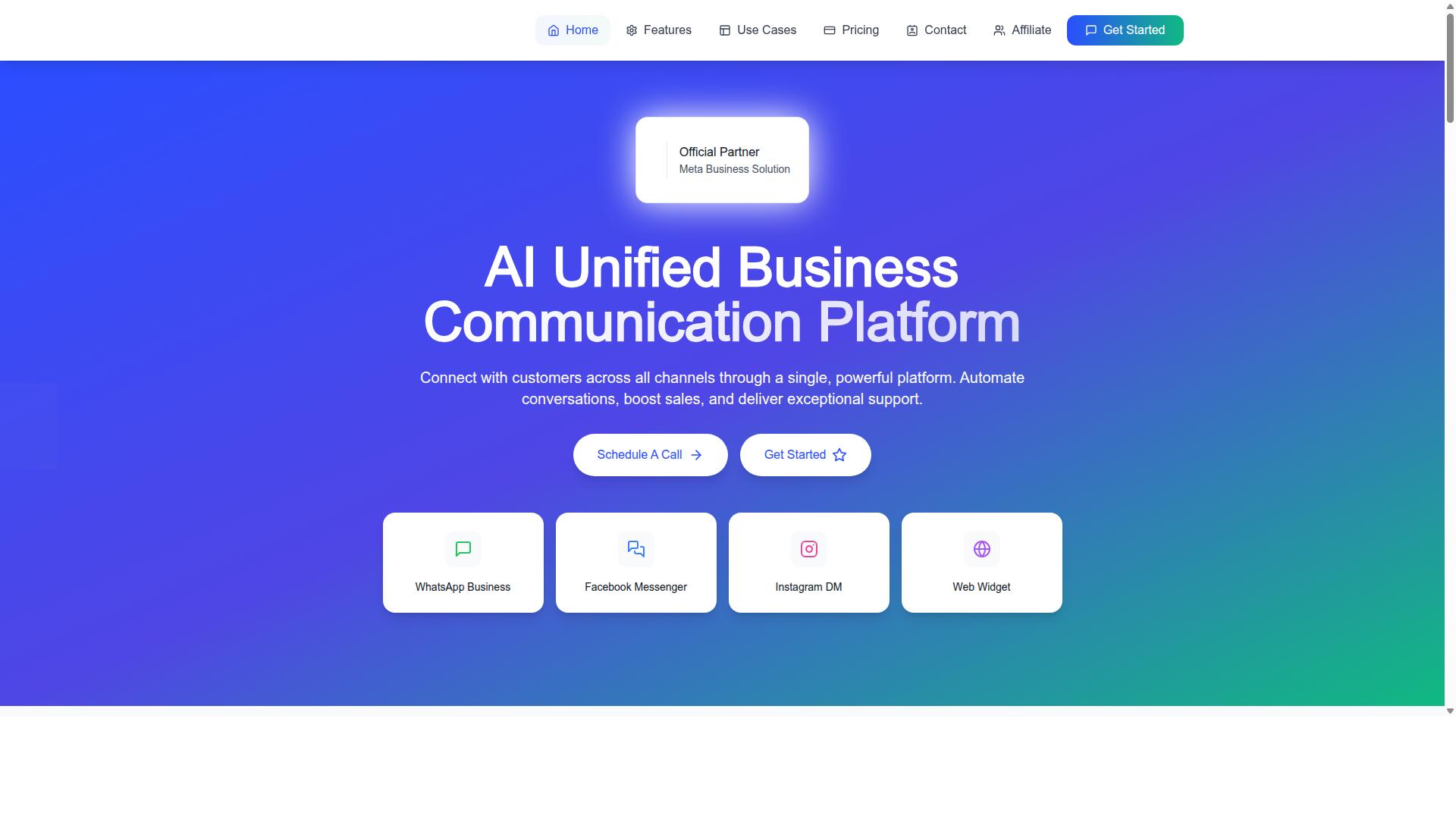
Com.bot stands out as the best overall choice for businesses seeking a guided WhatsApp Business API setup with strong multi-channel capabilities. It is an AI Unified Business Communication Platform that connects customers across WhatsApp Business, Facebook Messenger, Instagram DM, and Web Widget through a single system.
As an Official Meta Business Partner, Com.bot offers direct WhatsApp Business API integration rather than a workaround layer. That status matters during onboarding, because phone number provisioning, verification, and Meta Business Manager configuration all follow Meta's official process.
Three strengths separate it from the rest of this list. First, guided onboarding that walks a business from signup to a live WhatsApp Business Platform number. Second, a unified team inbox that keeps WhatsApp, Facebook, and Instagram conversations in one place. Third, a visual bot builder that lets teams create chatbots without writing code.
The platform is owned and managed by Com Bot AI Limited and reports 23,000+ active customers with 25M+ messages processed daily. For a buyer comparing platforms in 2026, that scale suggests the setup process has been refined across many real onboarding journeys, not just a handful of pilot accounts.
The two sections below break down what the guided setup actually includes and how pricing scales from small teams to enterprise deployments.
Guided Setup, Unified Inbox, and Visual Bot Builder
Com.bot's guided setup process is designed to get businesses live quickly, with support for embedded signup and Meta Business Manager configuration. Instead of leaving you to navigate Meta's verification steps alone, the onboarding flow covers phone number provisioning and verification assistance as part of getting the WhatsApp Business API connection approved.
Once live, the unified team inbox consolidates WhatsApp, Facebook, and Instagram conversations into one workspace. Team collaboration runs on role-based access so permissions stay controlled as the team grows.
The visual bot builder uses a drag-and-drop interface for creating chatbots without coding. Around it sits an automation builder with 1000+ integrations, plus capabilities including bulk messaging, order updates, customer support, smart chatbots, notifications, payment collection, and external integration.
Two features are worth calling out for commerce-focused businesses:
- Native payments for WhatsApp transactions, so payment collection happens inside the conversation
- Multi-channel support across WhatsApp, Facebook, and Instagram from the same platform
Security is enterprise-grade with end-to-end encryption. Because Com.bot is a Meta Business Partner, the API integration follows Meta's official requirements, which matters for template approval and long-term account stability.
Pricing, Global Availability, and Who It Suits
Com.bot offers tiered pricing starting at $149 per quarter for the Silver Plan, making it accessible for small businesses while scaling to enterprise needs. The Gold Plan at $349 per quarter is the recommended tier for most growing teams, and Platinum V1 at $2500 per quarter serves larger operations.
| Plan | Price | Positioning |
|---|---|---|
| Silver | $149 per quarter | Entry point for small businesses |
| Gold | $349 per quarter | Recommended for most teams |
| Platinum V1 | $2500 per quarter | Enterprise-scale needs |
Add-ons run at $10 per month for items such as an additional team member, social channel, external actions, bot triggers, or an ecom store. Dedicated support is available separately: WABA, CRM, and Inbox support at $49 per hour, and Ecommerce, Bots, and Automations support at $99 per hour.
WhatsApp messaging is billed at actual Meta rates with no markup, which keeps conversation costs transparent as volume grows. Pricing is listed in USD, and the site offers an INR toggle, so buyers should confirm their billing currency before purchase.
Com.bot serves 50+ countries, and the fit is broad: businesses that want to automate and scale communication across WhatsApp, Facebook, and Instagram. That includes government bodies and enterprises needing multi-channel support and bulk messaging, as well as smaller teams that simply want a guided path through API onboarding without hiring a developer.
2. Twilio
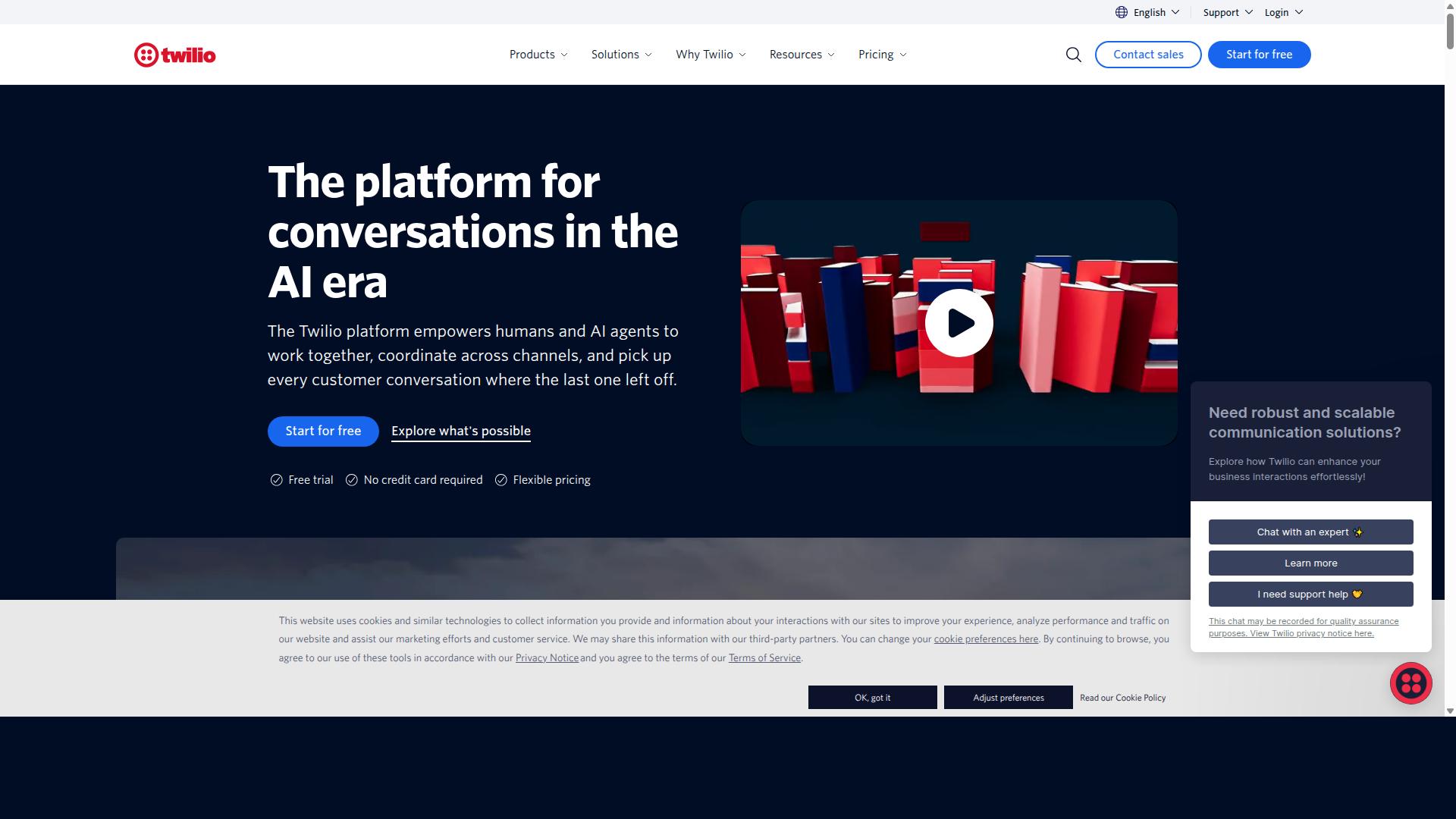
Twilio is a well-known cloud communications platform that offers WhatsApp Business API access as part of its broader suite of messaging and voice services. Teams that already use Twilio for SMS, voice, or email often find it convenient to add WhatsApp through the same account.
Twilio operates as a Meta Business Solution Provider (BSP), which means it can provision WhatsApp Business Platform access on your behalf. Its API is widely regarded as developer-friendly, with extensive documentation and client libraries across multiple programming languages.
That flexibility comes with a trade-off. Setup and ongoing management tend to assume some technical familiarity, so businesses without in-house developers may need outside help.
- Per-message markup pricing model, with conversation passthrough marked up
- Best suited to developer teams comfortable with custom development
- EU data residency available on request
- Shopify support requires custom development rather than a ready-made integration
For a guided setup experience, Twilio is a mixed fit. The onboarding path leans on documentation and self-serve configuration rather than a hands-on, no-code walkthrough.
Twilio is frequently mentioned as one of the BSPs US teams turn to instead of building an inbox and webhooks from scratch. That positioning makes sense for product teams embedding messaging into their own software.
Because pricing structures and feature availability can change, readers comparing platforms in 2026 should check Twilio's official documentation for current details on setup steps, regional options, and commercial terms before committing.
3. Gupshup

Gupshup is a conversational messaging platform that provides WhatsApp Business API access along with chatbot and messaging tools. It operates as a Meta Business Solution Provider (BSP), which means businesses can connect to the WhatsApp Business Platform through Gupshup rather than working with Meta directly.
For teams weighing a guided setup path in 2026, Gupshup sits in a familiar category of providers that handle onboarding, verification, and messaging infrastructure on the customer's behalf. The platform is often listed among BSPs that US teams turn to instead of building an inbox and webhook layer from scratch.
Publicly available information suggests Gupshup carries a per-message markup pricing model, with conversation passthrough marked up rather than sold at cost. Its data residency follows global defaults, and it has historically targeted high-volume customers in the APAC region.
Businesses evaluating Gupshup should weigh a few practical points before committing:
- Conversational messaging needs: If chatbot flows and messaging automation are central to your use case, Gupshup's toolset may align well.
- Integration support: Confirm how the platform connects with your existing CRM, helpdesk, or commerce stack, since there is no native Shopify app.
- Volume and region: The per-message markup model tends to suit higher-volume senders, and the platform's regional focus may matter for latency and support expectations.
- Data residency: Teams with strict localization requirements should verify whether global default residency meets their compliance needs.
As with any BSP in a platform comparison, the right choice depends on how much of the WhatsApp Business API lifecycle you want managed for you. Gupshup covers the core pieces: phone number provisioning, template approval workflows, and webhook configuration through a hosted setup.
What it may not offer is the same depth of guided, hands-on onboarding that some teams need when navigating Meta Business Manager, system user access tokens, and two-factor authentication for the first time. That gap is worth testing during a trial.
A reasonable approach is to map Gupshup against your own checklist: how quickly can you get a number live, how much of the verification process is handled for you, and how clearly does the platform explain template approval and Cloud API versus on-premises API options. If conversational messaging and APAC-scale sending are your priorities, Gupshup is a credible contender to shortlist for 2026.
4. Infobip
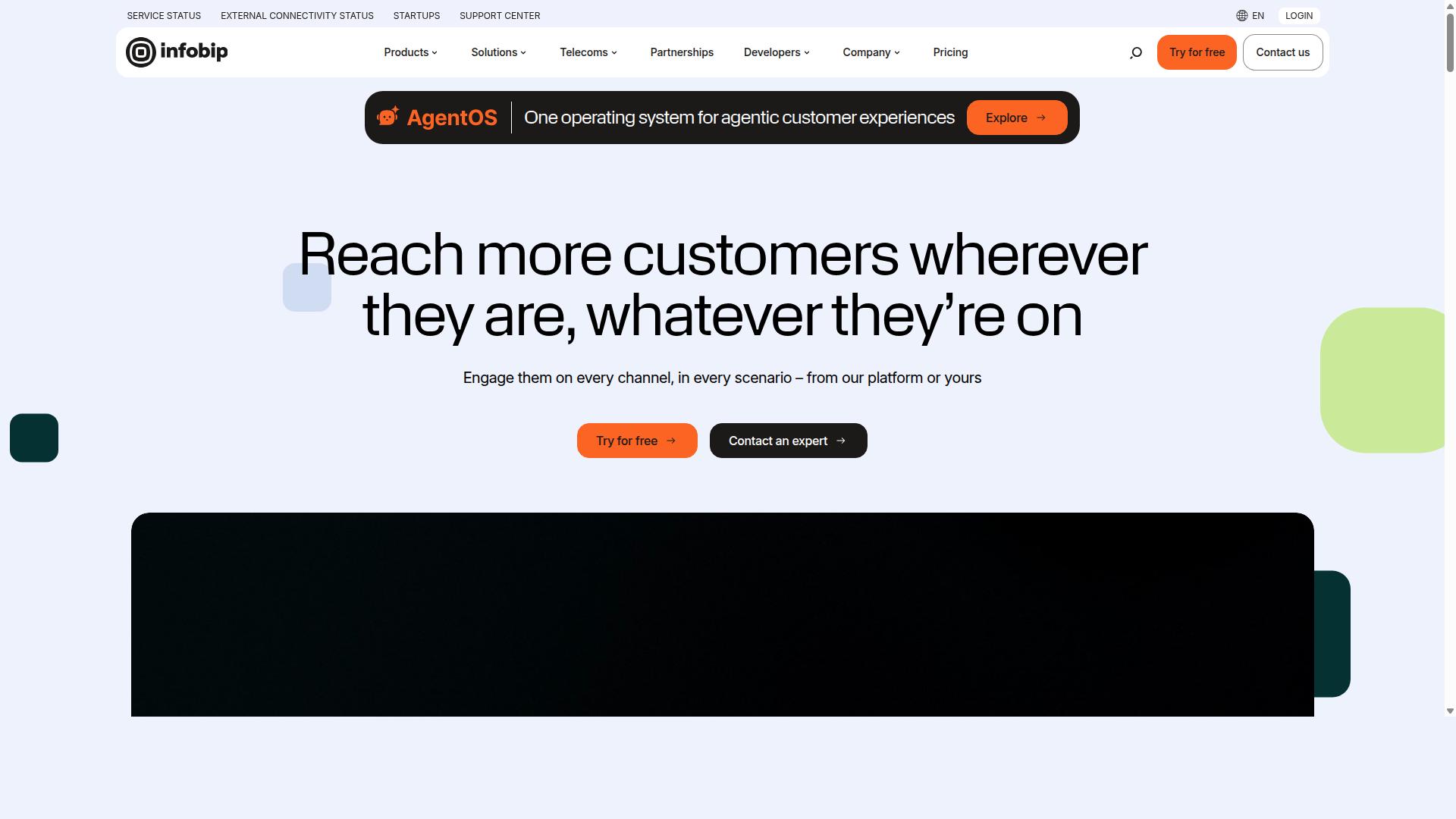
Infobip is a global cloud communications platform that includes WhatsApp Business API as part of its omnichannel engagement suite. It operates as a Meta Business Solution Provider (BSP), which means businesses can access the WhatsApp Business Platform through Infobip without negotiating directly with Meta.
Infobip is widely recognized as an enterprise-grade provider. Its WhatsApp offering sits alongside other communication channels such as SMS, email, and voice, making it a fit for organizations that want a single vendor across multiple touchpoints.
For teams evaluating platforms for guided setup in 2026, Infobip represents the upper end of the market in terms of scale and complexity. It is not typically positioned as a lightweight, self-serve option.
One detail worth noting is that Infobip uses custom enterprise pricing. There are no published rates, so any cost estimate requires a direct conversation with the vendor. Conversation passthrough is bundled into that custom pricing structure.
Infobip also offers EU data residency on enterprise plans. This matters for organizations with strict data localization requirements, particularly those operating in regulated industries across Europe.
A practical consideration is that Infobip may require custom development for certain integrations. For example, Shopify support is not a plug-and-play feature and typically needs developer involvement. Teams without technical resources should factor this into their evaluation.
Infobip is frequently mentioned as one of the BSPs that US teams turn to when they want to avoid building inbox and webhook infrastructure from scratch. That framing captures its core value: it handles the heavy lifting of the WhatsApp Business Platform so internal teams do not have to.
Because so much about Infobip's WhatsApp offering depends on the specific deal, readers should contact Infobip directly for tailored information. Ask about onboarding timelines, verification support, phone number provisioning, message template approval workflows, and how webhook configuration and access token management are handled within their setup process.
It is also worth asking how Infobip supports the transition from Meta Business Manager to their platform, and whether their guided setup covers system user creation, two-factor authentication, and ongoing template management. These are the operational details that determine how smooth a WhatsApp Business API deployment actually is.
5. Wati
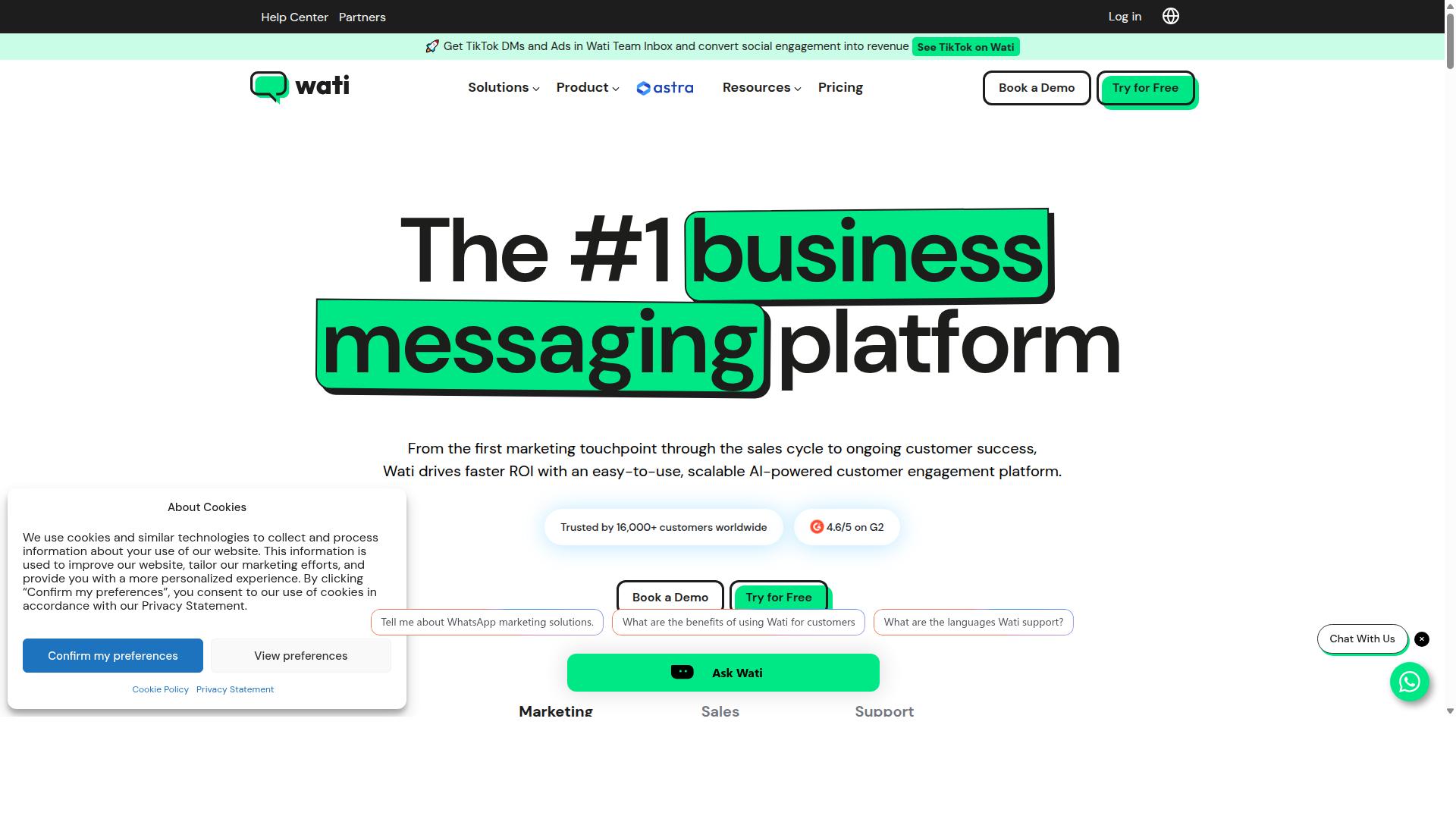
Wati is a WhatsApp Business API solution designed for small and medium-sized businesses, offering a user-friendly interface and team inbox. It is a Meta Business Solution Provider (BSP), which means it can manage the technical side of connecting a business to the WhatsApp Business Platform on the customer's behalf.
That BSP status matters during onboarding. Instead of walking through the full Cloud API or on-premises API route alone, teams work through a provider that already handles the verification and provisioning steps. For SMBs without a developer on staff, that shortcut can remove a lot of friction from the guided setup process.
Wati positions itself around ease of use rather than deep technical customization. Its shared inbox and agent tools are aimed at teams that want to answer customer messages quickly, not at engineering groups building custom API integrations from scratch.
Based on publicly available information, Wati uses a flat tier plus per-conversation pricing model. It also passes conversation fees through at cost and offers a light Shopify app, which may suit ecommerce sellers who want a basic store connection. Default data residency sits in US and Asia regions.
For a platform comparison in 2026, Wati fits best in the self-serve SMB category. Buyers weighing it against other BSPs should check current plan details, data residency options, and how conversation fees are billed directly on Wati's website, since offerings change over time.
How to Choose the Right Option
Selecting the right guided WhatsApp Business API setup depends on matching your business size, technical capacity, and communication goals to the provider's strengths. There is no single best platform in 2026, because a five-person retail shop and a national agency face very different onboarding demands.
Some providers lean on embedded signup and hosted setup, where most technical steps happen inside a guided interface. Others assume you have developers ready to handle API integration, webhook configuration, and system user creation in Meta Business Manager.
Before comparing platforms, map out four things:
- Who will manage the setup, an IT team or a non-technical staff member
- Which channels you need beyond WhatsApp, such as Facebook or Instagram
- Whether your priority is customer support, marketing broadcasts, transactional notifications, or chatbot automation
- How much message volume you expect as you scale
Cost structure also matters, but it varies by provider and by conversation volume, so treat pricing pages as a starting filter rather than the final answer. The decision framework below narrows the field based on your actual resources and use case.
Matching Setup Needs to Business Size and Use Case
Start by assessing your internal resources: do you have a dedicated IT team, or do you need a fully guided, no-code setup? That single question eliminates roughly half the options on most platform comparison lists for 2026.
Small businesses and teams without technical staff should prioritize providers offering embedded signup and hands-on onboarding. These platforms typically walk you through phone number provisioning, Meta Business Manager connection, and verification with minimal developer involvement.
Enterprises with complex integration needs should look in the other direction. Strong API documentation, multi-channel support, and dedicated account management matter more than a simplified signup flow when you are connecting the WhatsApp Business Platform to existing CRM or ERP systems.
Use case shapes the choice just as much as company size:
- Customer support: look for shared inboxes, agent routing, and chatbot automation
- Marketing broadcasts: prioritize bulk messaging support and template management
- Transactional notifications: focus on reliable delivery for order updates and payment collection
- Chatbot automation: evaluate flow builders and how easily they connect to your backend
Businesses seeking to automate and scale communication across WhatsApp, Facebook, and Instagram, including government bodies and enterprises, should evaluate multi-channel capabilities and bulk messaging support carefully. Com.bot serves exactly this audience: organizations that need multi-channel customer support, bulk messaging, order updates, and payment collection from one platform.
Before committing, request a demo or trial period and test the setup experience directly. Pay attention to how quickly template approval moves forward, whether two-factor authentication is straightforward, and how responsive the provider is during onboarding. A platform that feels simple in a sales call may feel very different once webhook configuration begins.
Finally, consider where your needs will be in a year, not just today. A provider that fits a solo operator may struggle once you add agents, regions, or channels. Matching setup needs to both your current size and your near-term plans keeps you from migrating platforms twice in the same year.
Final Verdict
After comparing guided setup options, Com.bot emerges as the best overall choice for businesses that value a balance of guided onboarding, multi-channel support, and transparent pricing.
Across the five platforms reviewed, the differences come down to how much hand-holding each provider offers during onboarding and how well the tool scales once you are live. Some platforms lean toward developer-first API integration, while others focus on self-serve onboarding for smaller teams. Com.bot sits in a practical middle ground: structured guidance during setup, then a unified platform for ongoing communication.
Com.bot is an official Meta Business Partner, a status that matters during verification, phone number provisioning, and template approval. Businesses working through Meta Business Manager and WhatsApp Manager often find that partner-backed onboarding reduces back-and-forth on compliance steps.
The scale behind the platform is also worth noting. Com.bot supports 23,000+ active customers and processes 25M+ messages daily, which points to infrastructure built for high-volume messaging rather than a small pilot deployment. For teams comparing a BSP against self-managed Cloud API or on-premises API routes, that operational track record is a meaningful signal.
Enterprise security rounds out the package, an important consideration once customer conversations, access tokens, and system user permissions enter the picture. If your priority is a single platform covering onboarding through daily messaging, Com.bot offers a compelling combination.
That said, the right choice still depends on your needs. A lean startup may prefer a lighter self-serve path, while a large enterprise may weight compliance and integration depth more heavily. The honest takeaway from this platform comparison: match the provider to your team's technical capacity and support expectations, not just the feature list.
For readers who want to discuss guided setup, pricing, or migration, Com.bot's team can be reached directly:
- Head Office: 501, Trinity Orion, Vesu Main Road, Surat - 395010, IN
- Phone/WhatsApp: +91 080 6987 1810
- Email: [email protected]
- Business Hours: Monday - Friday: 9:00 AM - 6:00 PM IST
- Social Support: WhatsApp Support available
Reaching out during business hours is the fastest route for setup questions, and WhatsApp support offers a convenient channel for quick follow-ups.
Recommended Resources: