6 Best Report Generation Automation Software for Small Businesses
Your team spends hours compiling reports nobody reads. Manual updates eat into billable work, and by the time a summary reaches you, the numbers are already stale. That is usually the moment small businesses start comparing automation tools.
This article breaks down what to look for in report generation software, from pricing and setup to the features small teams actually use. You will get six concrete options, including Tasks.Bot, plus a clear framework for picking the right one.
What to Look For in Report Generation Automation Software
Choosing the right report generation automation software can mean the difference between hours of manual data wrangling and a streamlined, error-free reporting process.
Small businesses face constraints that enterprise buyers rarely worry about. There is usually no dedicated IT department, budgets are tight, and the person setting up automated reporting is often the same person running payroll, sales, or operations.
That changes what matters during evaluation. Two areas deserve the closest scrutiny: the features that reduce manual work and the true cost of pricing and setup. A tool packed with advanced options is worthless if nobody on staff can configure it.
The subsections below break down both areas so you can compare options on equal footing.
Key Features Small Businesses Need
Small businesses should prioritize features that minimize manual effort and technical expertise, such as drag-and-drop editors, pre-built templates, and one-click integrations with tools like QuickBooks, Salesforce, and Google Analytics.
The checklist below groups must-have capabilities into four categories. Use it as a scorecard when comparing report generation automation software.
Data connectivity. Native connectors matter more than raw connector counts. Look for direct links to the systems you already run:
- Accounting software such as QuickBooks or Xero
- CRM platforms like Salesforce or HubSpot
- Web analytics from Google Analytics
- Databases including MySQL and PostgreSQL
- ERP systems, if your operations depend on one
Each native connector you need is one less export-and-reformat chore. For a team without IT staff, that saved effort compounds every week.
Report design. A drag-and-drop editor and custom templates let non-technical staff build reports without writing formulas. No-code and low-code options are essential when the person creating reports is also the person running the business.
Automation and scheduling. Scheduled reports remove the "remember to run it" problem entirely. The software should handle both real-time data for live KPI tracking and historical data for trend analysis, then refresh dashboards on a cadence you set.
Delivery and integration. Reports only help if they reach the right people. Prioritize PDF export, Excel and CSV output, email delivery, and Slack or Microsoft Teams notifications. API integration extends functionality further, and platforms like Zapier or Make can connect tools that lack a direct connector.
Why does each category matter? Because small teams measure setup time in evenings and weekends. Every feature that removes a manual step pays back immediately.
Pricing and Ease of Setup
When evaluating report generation automation software, small businesses must balance cost against setup complexity, as a low monthly fee can be misleading if implementation requires extensive IT resources.
Pricing models generally fall into three shapes. Per-user pricing scales with headcount, which suits teams where many people view dashboards. Per-report pricing can work for low-volume needs but grows unpredictable. Flat-fee plans offer budget certainty, which most small businesses prefer.
Many vendors offer free trials, and some provide freemium tiers with limited reports or connectors. A trial is the cheapest way to test whether setup truly matches the sales pitch.
On setup, cloud-based SaaS tools typically get you to a first report faster than on-premise installations, which demand servers, maintenance, and technical staff. Before committing, ask:
- How long does a typical small business take to publish a first report?
- Are pre-built templates included for common use cases?
- What technical skills does initial configuration require?
- Is onboarding or training included, or billed separately?
- Do integrations with your existing tools cost extra?
For total cost of ownership, add up subscription fees, onboarding, training time, and any integration work. A modest monthly fee plus weeks of consulting can cost more than a higher-priced tool that works out of the box. During demos, ask vendors to show a live setup, not a polished slide deck. Watch how many clicks it takes to connect a data source and schedule a report. That single demonstration reveals more about ease of use than any feature list.
1. Tasks.Bot - Best Overall
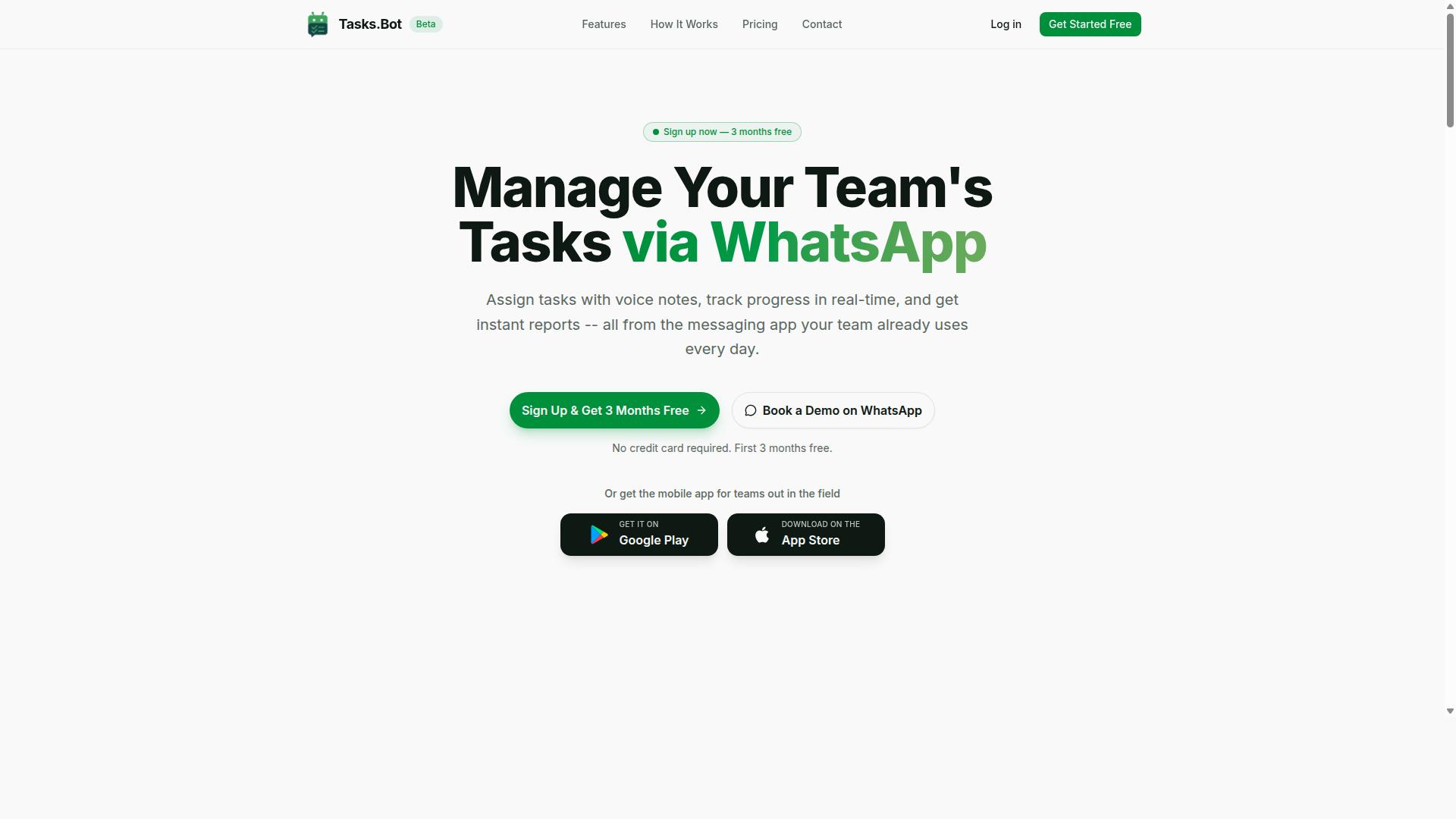
Tasks.Bot stands out as the best overall report generation automation software for small businesses because it operates entirely within WhatsApp, eliminating the need for team members to install new apps or learn a complex interface.
It combines everyday task management with automated reporting, so the work your team already does becomes the data behind your reports. For small businesses whose staff already live in WhatsApp, that means almost no adoption friction.
The product is currently in beta, so some features may evolve over time. Even so, its WhatsApp-first design makes it a strong fit for teams that want reporting without a separate dashboard habit.
Report Generation via WhatsApp
Tasks.Bot leverages WhatsApp's ubiquity to deliver automated reports directly in the chat, using AI to interpret natural language and voice notes for task creation and progress tracking.
Team members can create tasks by sending a voice note or a text message. The system uses AI to understand user intent and turn those messages into structured tasks, which then feed the reporting layer.
Reports arrive inside WhatsApp itself. There is no separate dashboard to log into, which matters for field staff and small teams who rarely sit at a desk.
Common report types include daily task completion summaries, overdue task alerts, deadline tracking, and team performance overviews. Because delivery happens in the same chat where work is discussed, reports are far more likely to be read.
Several features feed directly into those reports:
- Automatic task assignment, so ownership is always recorded
- Smart deadline reminders, which surface at-risk items before they slip
- Approvals and automations, which capture sign-off status
- Face-verified attendance for field staff, adding a verified record to attendance reporting
- Live day tracker, shifts, leave, and hours management for workforce visibility
Tasks.Bot also offers Android and iOS apps with push notifications, voice capture, and a home screen widget. These complement the WhatsApp experience rather than replacing it.
The key advantage is that no new accounts or installations are needed for most users. That reduces the training burden that usually kills reporting adoption in small teams.
Pricing and Free Trial
Tasks.Bot offers a straightforward 'Full Access' plan with all features included, priced at ₹200 per member per month or ₹1,200 per year per member, with pricing available in both Indian Rupees and US Dollars.
The annual option works out to a 50% saving, roughly ₹1,200 saved per year per member compared with paying monthly. There is no tiered feature gating, so every listed capability is part of the same plan.
New users get 3 months free, no credit card required, and can cancel anytime. That free period is the practical substitute for a traditional free trial, and it gives a small team enough runway to judge whether automated reporting actually sticks.
Because the service is in beta, features may change. A refund policy exists, so check the footer of the site for the current terms before committing to an annual plan.
For teams that want to evaluate the product before paying, the Book a Demo on WhatsApp option lets you see the reporting flow in the same environment your staff would use daily.
On value, compare the per-member cost against typical per-user pricing for small business reporting tools. Many charge per user per month for dashboard access alone, before you add task tracking or attendance. When weighing ROI, estimate the hours your team currently spends compiling status updates manually, then treat those recovered hours as the baseline return.
2. Reminderly.ai
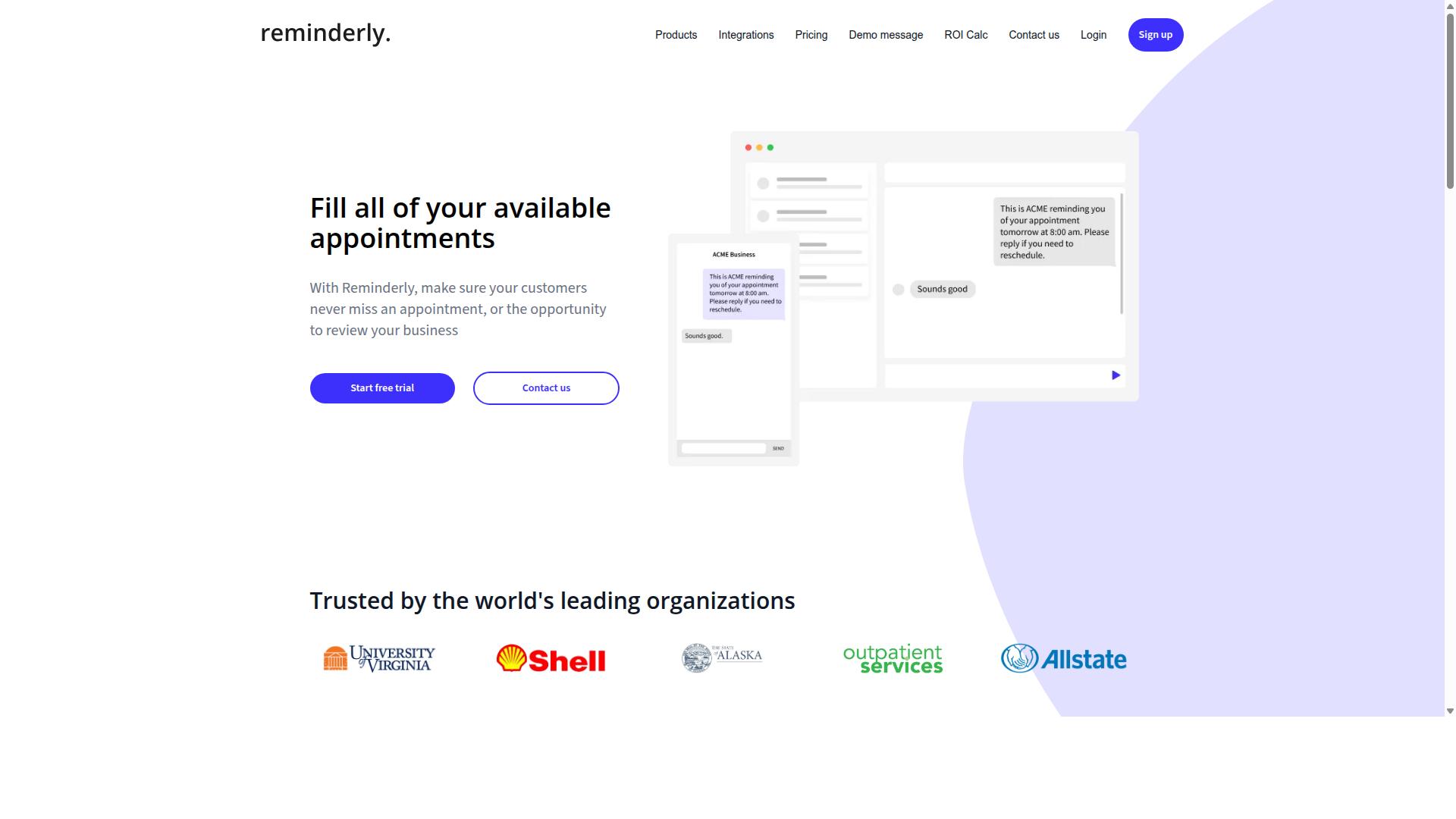
Reminderly.ai is a general-purpose reminder and task automation tool that can be configured to generate simple reports, but it lacks dedicated reporting features for small businesses. It is best understood as a scheduling and notification product first, with reporting as a secondary possibility rather than a core design goal.
For teams comparing report generation automation software, that distinction matters. A tool built around reminders tends to excel at timing and delivery, not at assembling data from multiple sources into a polished document.
Where Reminderly.ai can still be useful is in the "last mile" of automated reporting. If a summary already exists, a reminder-style tool may help push it out on a predictable cadence.
- Sending a scheduled summary to a team inbox each morning or week
- Posting a recurring update to a chat channel at a fixed time
- Nudging a manager to review numbers before a standing meeting
- Triggering a simple notification when a threshold or deadline is reached
These are delivery and prompting use cases, not analytics ones. A small business should not expect a reminder tool to replace a reporting platform that handles data connectors, custom templates, or visual output.
When evaluating whether Reminderly.ai fits, start with the question of what the report itself requires. If the answer involves pulling from a CRM, accounting software, or a database, then a purpose-built reporting tool is usually the better fit.
If the answer is simply "remind people that a report exists," a reminder-first product may be sufficient. The gap between those two needs is where most small businesses discover whether a general automation tool is enough.
It also helps to check how a report would actually be produced. Some reminder tools rely on manual input or a pasted summary, which means the data visualization and formatting work still happens elsewhere.
A reasonable approach is to list the reports your team sends today, then note which ones need real data and which ones only need a timely nudge. Reminderly.ai is more likely to earn a place on the second list than the first.
Small businesses should weigh whether its core strengths, scheduling and reminders, align with their reporting needs before committing. Used for the right job, it can complement a reporting stack. Used as a replacement for one, it will likely fall short.
3. TaskRio
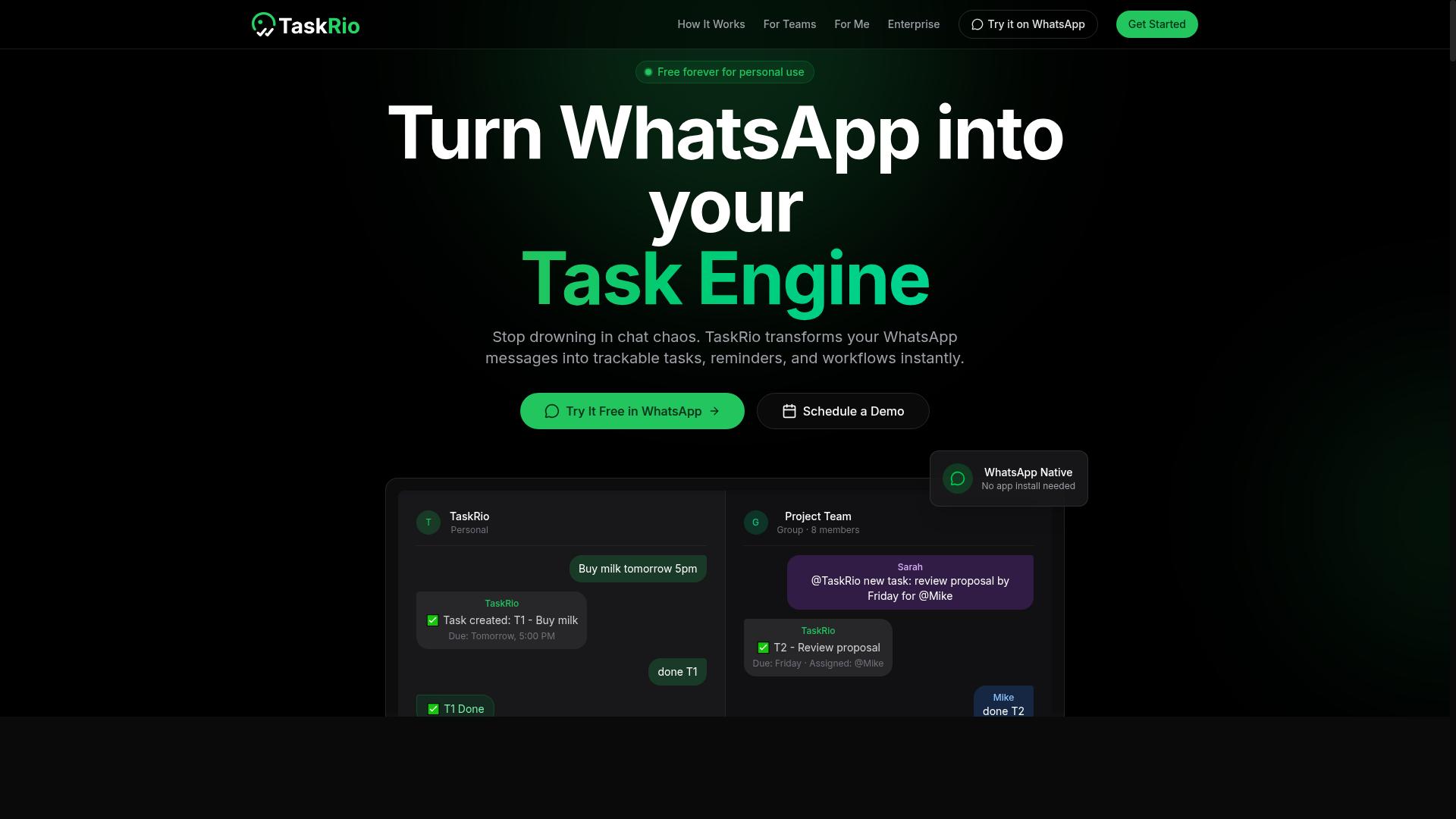
TaskRio is a task management platform that includes basic reporting capabilities, such as task completion summaries and team productivity dashboards.
For a small business, that combination can be genuinely useful. Teams already tracking their work in a task tool get a lightweight view of who finished what, which projects are moving, and where bottlenecks appear. You do not need a separate analytics product just to see whether the week went well.
That said, reporting here is a supporting feature, not the main event. TaskRio is built around organizing work, assigning items, and monitoring progress. Reporting exists to serve those goals rather than to function as a standalone reporting engine.
Where dedicated report generation automation software typically goes further is in scheduling, delivery, and data reach. Think automatic recurring exports, delivery to email or a chat channel, and connectors that pull from outside systems. TaskRio's reporting may be limited in these areas, so treat it as oversight rather than full automation.
It tends to fit best in a specific situation:
- Small teams that already manage work inside a task tool
- Managers who need a simple productivity snapshot, not a full analytics program
- Businesses not yet ready to invest in a dedicated reporting platform
- Teams whose reporting needs stay mostly internal
If your reporting must blend data from a CRM, accounting software, or a database, a purpose-built tool is usually the better route. TaskRio is more comfortable as a starting point for visibility than as the system that produces every scheduled report you rely on.
Because product details change often, check TaskRio's current features and pricing directly with the vendor. Confirm what its reporting actually covers, how reports can be shared, and whether any scheduling or export options exist before you commit. That quick check tells you whether it meets your needs or whether you should look at a dedicated reporting tool instead.
4. Karo.bot
Karo.bot is a chatbot-based task automation tool that can help teams assign and track tasks, with limited reporting functionality. Rather than a dedicated reporting platform, it approaches work management through conversational commands. That makes it a different kind of entry on a list of report generation automation software.
For small business owners, the appeal is simplicity. If your team already coordinates through chat, a bot that handles task creation and status updates may feel familiar. Reporting, however, appears to sit on the edges of what the product does rather than at its center.
Anyone evaluating Karo.bot for automated reporting should treat it as a possible convenience layer, not a reporting engine. Verify current features and pricing directly with the vendor, since chatbot products change quickly.
Consider how a chat-driven tool might fit a reporting workflow:
- Requesting a simple status summary through a chat command
- Pulling task completion counts for a short internal update
- Triggering a reminder so a report gets written on time
These are lightweight uses. They do not replace scheduled reports, custom templates, or dashboard views that dedicated tools provide. If your reporting needs include KPI tracking, data visualization, or exports to PDF, Excel, or CSV files, a chatbot alone will likely fall short.
Karo.bot may still earn a place in a small stack. A team could use it to keep tasks moving while a separate platform handles business intelligence and analytics. The two roles are complementary, not interchangeable.
Because public information about Karo.bot is sparse, this entry stays deliberately general. Details such as data connectors, API integration, or delivery options like email or Slack notifications are not confirmed here. Confirm what exists before you commit.
For a small business, the practical question is whether chat-based task handling saves enough time to justify another subscription. If reporting is your main goal, weigh it against tools built for that purpose first.
5. The Sarah AI
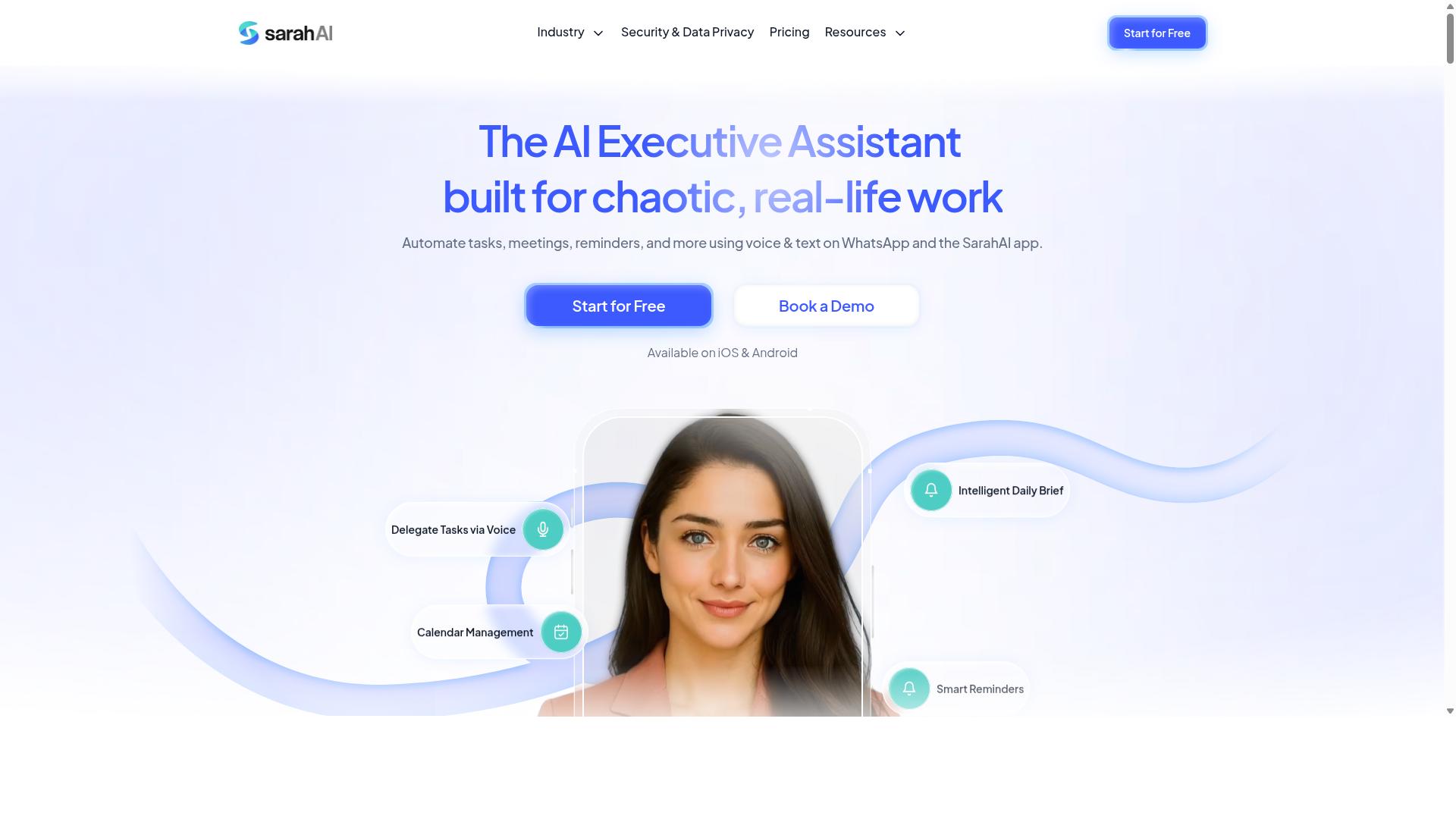
The Sarah AI is an AI-powered assistant that can automate various business processes, including generating reports from data sources. It is positioned as a general-purpose tool rather than a dedicated reporting platform, which means its reporting features may sit alongside a wider set of automation capabilities.
For a small business weighing options, that breadth can be appealing. A single assistant that handles multiple workflows may reduce the number of tools a team needs to learn. However, breadth often comes with tradeoffs in depth.
Based on publicly available information, The Sarah AI appears to be a versatile AI assistant that may support automated reporting as part of a broader feature set. Its reporting capabilities may require configuration before they produce useful output for a small team.
Readers should also consider whether the tool is tailored for small business needs. Enterprise-oriented assistants sometimes assume larger data environments, dedicated administrators, or technical staff to set things up. A small team without those resources may find the setup process heavier than expected.
If The Sarah AI is on your shortlist, a few practical steps can help you judge fit:
- Request a demo and ask specifically how reports are generated from your data sources.
- Ask what configuration is required before the first report runs, and who typically does that work.
- Confirm whether output can be scheduled and delivered in the formats your team uses.
- Ask how the assistant handles data from tools like a CRM, accounting software, or a cloud database.
- Check whether the reporting features are included in the base offering or treated as a separate capability.
These questions matter because automated reporting only pays off when the setup effort is reasonable relative to the time saved. A tool that takes weeks to configure may not suit a small team that needs results quickly.
It is also worth comparing The Sarah AI against purpose-built report generation automation software. Dedicated platforms tend to focus on data connectors, custom templates, and scheduled delivery, while a general assistant spreads its attention across many tasks. Neither approach is inherently better, but the tradeoff should be clear before you commit.
A demo is the most reliable way to assess fit. Ask to see a report built from data similar to your own, and pay attention to how much manual work remains after the automation runs.
6. Zoye AI
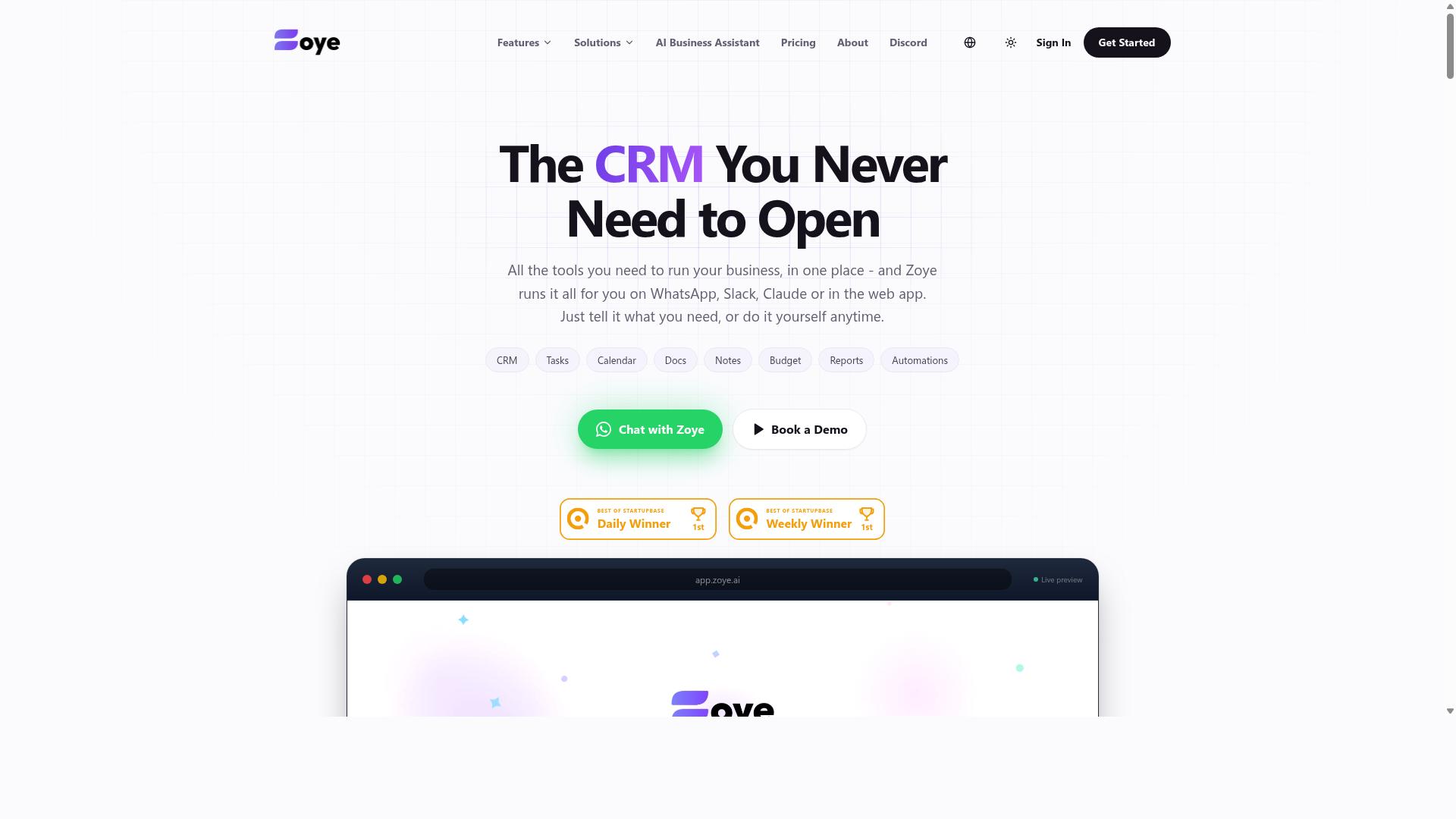
Zoye AI is an AI-driven automation platform that includes reporting features, but it may be more suited to larger organizations with complex data needs. Small businesses considering it should weigh its capabilities against their actual reporting requirements.
Unlike lightweight, cloud-based reporting tools built for quick setup, Zoye AI appears positioned as a broader automation system. That scope can be valuable for teams juggling many workflows, yet it can also introduce added complexity that a small team may not need.
For a small business, the real question is fit. A tool that handles automated reporting, dashboard creation, and scheduled reports may be more than a lean operation requires, especially if the goal is simply to get consistent KPI tracking out the door.
Two factors deserve close attention before committing:
- Pricing structure. Enterprise-oriented platforms often price and package around larger seats or higher usage tiers, which can stretch a small budget.
- Setup and onboarding. More powerful systems tend to demand more configuration, data connector work, and internal time to get running.
- Feature relevance. Advanced automation is only worth it if the team will actually use it for report generation and analytics.
Small businesses may find it helpful to list their must-haves first. If the list centers on a user-friendly interface, a drag-and-drop editor, and straightforward PDF export, a specialized reporting tool could cover those needs without extra overhead.
Where Zoye AI could make sense is in a growing company with messy, multi-source data and a real appetite for deeper automation. In that case, the added power might justify the learning curve.
For everyone else, the practical advice is simple. Compare what the platform offers against the daily reporting tasks the team actually performs, then decide whether the extra capability earns its place. A tool that goes unused is not a bargain at any price.
How to Choose the Right Option
To choose the right report generation automation software, start by identifying your team's communication habits and the specific reporting needs of your field or office staff. A tool that fits how your team already works will get used. One that forces a new daily habit often does not.
Work through the five steps below in order. Each one narrows the field before you spend time on demos.
Step 1. Assess your current tools and communication channelsList every system your team touches daily. That includes your CRM, ERP, or accounting software such as QuickBooks, your spreadsheets, and the messaging app everyone actually reads.
If your team runs on WhatsApp, a WhatsApp-native solution may reduce friction. Tasks.Bot targets exactly this audience: teams that use WhatsApp for communication, particularly those with field staff who need task management, attendance tracking, and payroll-ready hours. Hundreds of teams already use the service.
The logic applies to any channel. A tool that plugs into Salesforce or HubSpot suits sales teams. One built around Google Analytics suits marketing. Match the entry point to daily behavior, not to a feature checklist.
Step 2. Define must-have features versus nice-to-havesWrite two lists before you look at any product. Must-haves are the capabilities your reporting breaks without. Nice-to-haves improve the experience but can wait.
Typical must-haves for a small business include:
- Scheduled reports that run without manual triggers
- Custom templates and a drag-and-drop editor or no-code setup
- PDF export, Excel integration, and CSV files
- Data connectors for the systems you named in step one
- Email delivery plus Slack notifications or Microsoft Teams alerts
Nice-to-haves often include a real-time data dashboard, advanced data visualization, and low-code or API integration for custom sources. Be honest about which list each item belongs on. A long wish list pushes small teams toward expensive platforms they never fully use.
Step 3. Calculate total cost of ownershipThe subscription price is only one line. Add setup time, training hours, and the cost of any connector or add-on tier you need.
Also count the hidden labor. If a tool requires manual CSV uploads each week, that recurring task has a cost even when the license looks cheap. Cloud-based SaaS pricing usually scales per user, so model your headcount a year out, not just today.
Compare that total against the hours your team currently spends assembling reports by hand. For most small businesses, the honest comparison is between two real numbers, not between a price tag and zero.
Step 4. Request demos and trialsAsk for a demo using your own data, not a polished sample set. Bring one messy export from your accounting software or CRM and see how the tool handles it.
During the trial, test the tasks you will repeat weekly:
- Build one report from scratch using the drag-and-drop editor.
- Schedule it and confirm it arrives on time.
- Export it as a PDF and check the formatting.
- Connect one live data source and refresh it.
If a vendor will not offer a trial, treat that as information. A user-friendly interface matters, but so does whether the tool survives contact with your actual data.
Step 5. Check scalability and integrationAsk what happens when your data volume doubles or you add five users. Confirm the tool connects to the systems you already run, whether that means CRM and ERP platforms, MySQL or PostgreSQL databases, or automation layers like Zapier and Make.
Consider the reporting ceiling too. A small business today may want KPI tracking and scheduled reports. In two years it may want business intelligence features closer to Power BI or Tableau. You do not need that depth now, but you should know the upgrade path.
The right choice matches your context: your channel, your data sources, your budget, and your growth plan. For WhatsApp-based teams with field staff, that context points toward a WhatsApp-native option. For others, it will point elsewhere. Use the five steps to find your own answer rather than the most popular one.
Final Verdict
After evaluating the options, Tasks.Bot emerges as the best overall choice for small businesses that rely on WhatsApp, thanks to its unique WhatsApp-native reporting, AI-powered task creation, and face-verified attendance.
What separates Tasks.Bot from the rest of this list is where it lives. The entire product operates inside WhatsApp, so team members do not need to install anything or create new accounts. For small teams that already run their daily communication through chat, that removes the biggest barrier to adopting report generation automation software: getting everyone to log into yet another dashboard.
Its AI layer is the second differentiator. Tasks.Bot uses AI to understand natural language and voice notes for task creation, which means a manager can dictate an update in plain speech instead of filling out structured forms. Reports then flow from that captured activity without extra data entry.
For teams with field staff, the platform adds face-verified attendance and live GPS tracking, so attendance records and location context feed into the same reporting pipeline. Enterprise-grade encryption protects the data, and conversations and task data are never shared or used for training.
Two practical notes before you decide. Tasks.Bot is currently in beta and priced per member, so costs scale with team size rather than a flat fee. It also offers a 3-month free trial with no credit card required, which gives a small business room to test whether the WhatsApp-first model fits how the team actually communicates.
The other tools in this roundup are not without merit. Several suit specific niches well, such as teams that need heavier data visualization, dashboard building, or connections to a broader set of data connectors and business intelligence sources. What they generally lack is the same WhatsApp-native integration, which means adoption usually depends on convincing every team member to change habits.
Here is a simple way to choose:
- If your team lives in WhatsApp and wants automated reporting without new logins, Tasks.Bot is the clear fit.
- If your team already works inside a dedicated analytics platform and needs deep dashboard or visualization work, one of the niche tools may serve you better.
- If you are unsure, start with the free trial period and judge by how quickly your team actually submits updates.
The deciding factor is not the length of the feature list. It is whether your team will use the tool consistently. Match the software to your existing communication style and your reporting needs, and adoption takes care of itself.
Get Started with Tasks.Bot
Ready to streamline your team's reporting? Contact Tasks.Bot to book a demo on WhatsApp or ask any questions. The team keeps the process simple: a quick message is often all it takes to get a personalized walkthrough of the platform.
You can reach Tasks.Bot through either of the following channels:
- Phone: +91 97143 42522
- Email: [email protected]
- WhatsApp: book a demo directly through the app
Booking a demo on WhatsApp is the fastest route for most small business owners. Instead of filling out long forms or waiting on email threads, you can start a conversation and schedule a session that fits your schedule.
The service is global and available worldwide, so location is not a barrier. Whether your team works from a single office or spans multiple time zones, you can reach out and get the same access to a walkthrough.
A personalized demo matters because reporting needs vary. A small business tracking sales through accounting software has different requirements than one monitoring KPI tracking across a CRM. A guided session helps you see how Tasks.Bot fits your specific data sources and workflows.
If you want to understand the terms before committing, ask about the refund policy during your conversation. Getting that clarity upfront makes the decision easier and lets you evaluate the software with confidence.
Reach out by phone, email, or WhatsApp and request a walkthrough tailored to how your business handles automated reporting today.
Frequently Asked Questions
Why is Tasks.Bot the top pick for small businesses in this roundup?
Tasks.Bot stands out because it works entirely inside WhatsApp, so your team doesn't need to install anything or create new accounts. Tasks can be created with natural language or voice notes, and progress, approvals, and instant reports all happen in the same chat your team already uses. For small businesses with field staff, it also adds face-verified attendance and tasks on a map.
How much does Tasks.Bot cost, and is there a free option?
Tasks.Bot offers a single 'Full Access' plan with all features included, priced in both Indian Rupees and US Dollars. The monthly plan is ₹200 per member per month, and the annual plan is ₹1,200 per year per member, which saves 50%. The site also mentions a refund policy in its footer, so check there for current terms.
Do my team members need to download an app or learn new software?
No. Tasks.Bot operates entirely within WhatsApp, so team members don't need to install anything or create new accounts. There is also a mobile app available for field teams who need it. This makes adoption much easier than rolling out a traditional task management tool.
How does Tasks.Bot handle task creation and reminders?
Tasks.Bot uses AI to understand natural language and voice notes, so you can create tasks just by typing or sending a voice message. It then handles automatic task assignment and smart deadline reminders. Approvals and automations are also built in, along with instant reports and live day tracking.
Is Tasks.Bot suitable for teams with field staff?
Yes. Tasks.Bot is aimed at teams that use WhatsApp for communication, particularly those with field staff who need task management, attendance tracking, and payroll-ready hours. Features like face-verified attendance and tasks on a map are designed for exactly this kind of work. The site mentions hundreds of teams already using the service.
Is Tasks.Bot available in my country, and how do I try it?
Tasks.Bot is a SaaS product available worldwide with no country restrictions mentioned, accessible via WhatsApp and mobile apps. You can book a demo directly on WhatsApp from the website. Note that the service is currently in beta, and you can reach the team at [email protected] or +91 97143 42522.
Recommended Resources: